Starting an online business doesn’t have to mean buying inventory or renting storage anymore. That’s why more beginners are turning to print-on-demand, especially on Amazon.
In this guide, you'll learn how to sell POD on Amazon step-by-step. It will walk you through setting up your seller account to getting your first sale.
Why Sell POD on Amazon in 2026?
🎯You don’t need inventory
With POD, products are produced only after a customer places an order. That means no storage fees, no bulk orders, and far less financial risk for beginners.
🎯Massive built-in traffic
Amazon brings millions of shoppers to your listings every day. You don’t have to build an audience from scratch, like on social media or a new website.
🎯Growing demand for personalized products
Buyers increasingly look for custom designs, niche styles, and unique gifts. POD fits perfectly into this trend.
🎯Easy to test and scale
You can launch a few designs, see what sells, and quickly expand the winners. There’s no need to commit to large production runs.
Expert Tip: 15 Best Tools For Selling on Amazon Every Successful Seller Uses 🌟
Step-by-step Guide on How to Sell POD on Amazon
Getting started on Amazon is simple. The very first step in this guide on How to sell POD on Amazon is to set up your seller account.
Step 1: Set Up Your Amazon Seller Account
Before you can sell POD products on Amazon, you need a seller account. This is your main dashboard for managing listings, tracking orders, and monitoring your store’s performance.
⭐Choose the Professional Plan
For print-on-demand, the Professional plan ($39.99/month) is the better option. It allows your POD supplier to connect and fulfill orders automatically. You also get access to bulk listing tools, sales reports, and Amazon Ads.
⭐Sign Up & Verify Your Account
Go to Amazon Seller Central and follow the setup steps. You’ll need to provide basic business details, a bank account, a credit card, and a valid government ID. Amazon may take a few hours to a few days to review your information.
Once approved, you’re ready to start setting up your first POD listings.
Step 2: Connect a POD Supplier to Amazon
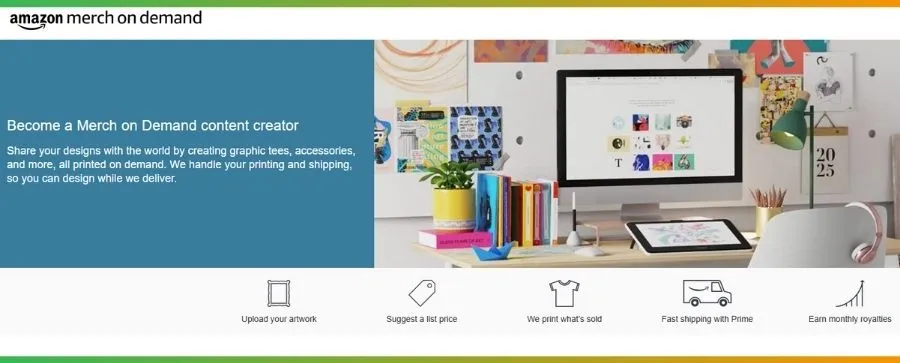
Once your Amazon seller account is ready, the next step is picking how your products will be printed and shipped. With POD, you don’t hold inventory or pack orders. Your provider takes care of production and delivery for you. Here are the two main options.
Option 1: Amazon Merch on Demand
This is Amazon’s built-in POD program. You upload a design, and Amazon handles everything else.
How it works:
- Submit your design and product details.
- Amazon reviews and publishes the listing.
- When a customer orders, Amazon prints, ships, and supports the customer.
Downside: Approval can take weeks, and you have less control over branding and pricing.
👉 Best for: Beginners who want a simple, hands-off setup.
Option 2: Third-Party POD Suppliers (Printify, Printful, and more)
These platforms connect to your Amazon store and fulfill orders automatically.
How it works:
- Create products in the supplier’s dashboard.
- Sync listings to Amazon.
- Orders are sent to the supplier for printing and shipping.
👉 Best for: Sellers who want more product choices, branding options, and control over margins.
Step 3: Design Your POD Products
Designing products is not too difficult these days. Here’s how new sellers can approach design the smart way.
🎯Design it yourself, hire help, or use AI
- DIY: Perfect if you enjoy simple text or graphic designs. Tools like Canva make it easy to start.
- Freelancers: Use platforms like Fiverr or Upwork for custom artwork when you want a more polished look.
- AI tools: AI image generators can help you brainstorm ideas or create quick visuals, but always review and refine the final design.
🎯Avoid copyright and trademark issues
- Don’t use brand names, logos, movie characters, or famous slogans.
- Stick to original ideas or licensed graphics.
- When in doubt, search trademark databases before publishing a design.
Step 4: List Your Products on Amazon
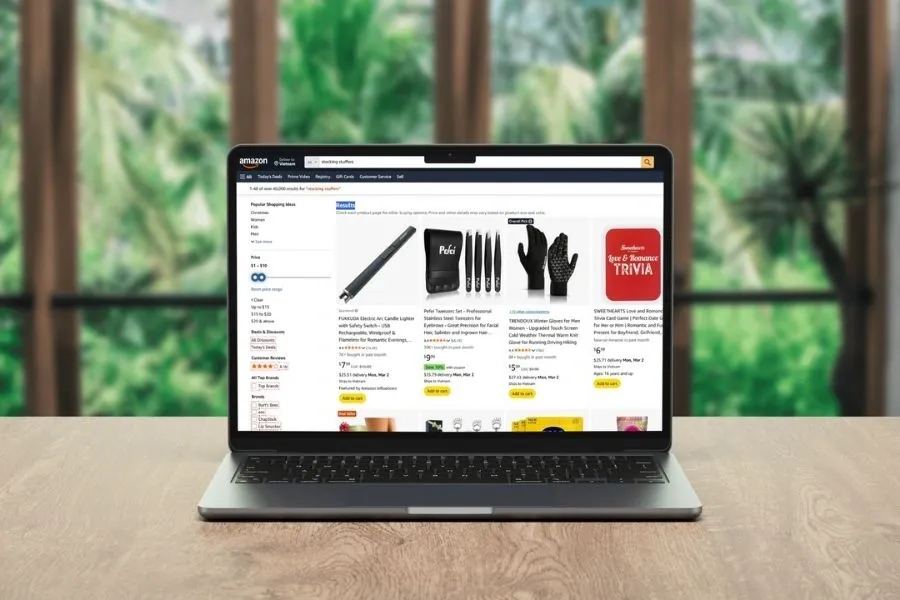
Once your design is ready, it’s time to turn it into a live product on Amazon.
Start by adding your product in Seller Central, choosing the right category, and entering the basics: title, images, description, and price. Make sure your listing is clear and keyword-friendly so shoppers can actually find it.
If you plan to sell more than a few products, doing this one by one can get slow. How DodgePrint helps you list faster & smarter:
🔥Smart Catalog – Keep all your designs, mockups, and product files in one organized library. Tag and manage everything in one place. Then, you can reuse designs and launch new ASINs or listings without starting from scratch.
🔥Bulk Listings – Create and publish multiple products at once across Amazon, Etsy, Shopify, and TikTok Shop from a single dashboard. ➠ Perfect for scaling beyond just one or two listings.
🔥AI Optimization – Generate SEO-friendly titles, bullet points, tags, and product descriptions in minutes. ➠ Rank better & save hours of manual writing.
🔥Multi-Channel Sync – Connect all your stores and keep listings and orders aligned across platforms without jumping between tabs.
New sellers need to know: Etsy vs Amazon: Which Platform is Better for POD 2026
Step 5: Market Your Amazon Store
The next important step in how to sell POD on Amazon is to market your Amazon store. Below are some popular ways to market your store on Amazon:
🔔Start by building a presence on social media platforms like TikTok, Instagram, and Facebook. Short videos, behind-the-scenes content, and customer reviews help create trust and drive traffic to your Amazon listings.
🔔Next, take advantage of Amazon’s own advertising tools, such as Sponsored Products and Sponsored Brands. You can set a budget and track the marketing performance through the Amazon Advertising dashboard.
🔔Use DodgePrint’s email marketing integration with Klaviyo. This lets you collect and segment customer data, then send automated follow-ups, promotions, and product launches. You start building a loyal audience that comes back for repeat purchases.
🔔You can also boost your visibility by targeting the Amazon Buy Box. Winning the Buy Box means your product appears in the “Buy Now” and “Add to Cart” sections.
➨ To improve your chances, keep your prices competitive, maintain strong seller metrics (on-time shipping, low cancellation rates, positive feedback), and use reliable fulfillment options like FBA or fast FBM.
Step 6: Automate & Scale Your Business with DodgePrint
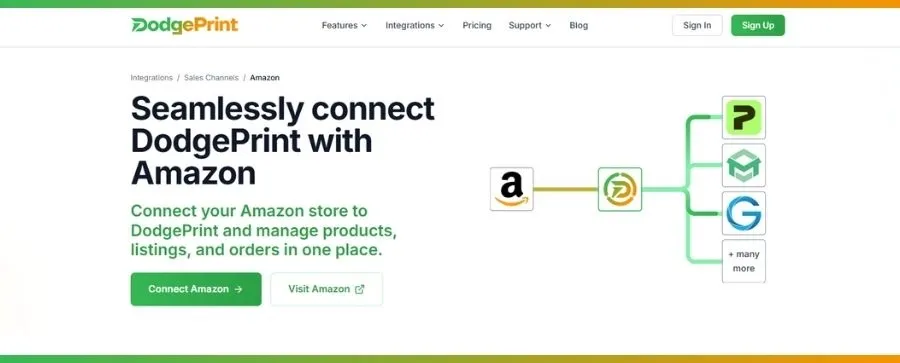
“Work smarter, not harder.” As orders, listings, and sales channels multiply, manual work quickly becomes your biggest bottleneck. Want to move from busy to truly scalable? You need DodgePrint.
At the center is DodgePrint’s Analytics Dashboard. It will give you a clear, real-time view of sales, profits, and other important metrics across Amazon, Etsy, Shopify, and TikTok Shop.
Instead of guessing what’s working, you can see which designs sell, which channels perform best, and where to focus next.
Before vs. After DodgePrint
| Workflow | Before DodgePrint | After DodgePrint |
|---|---|---|
| Listings | Create one by one on each platform | Bulk list once, publish everywhere |
| Orders | Check Amazon, Etsy, Shopify, & other channels separately | All orders in one dashboard |
| Designs | Files scattered in folders | Organized Smart Catalog |
| Insights | Guess based on sales numbers | Real-time analytics & trends |
| Growth | Slow, manual scaling | Automated, multi-channel scaling |
🏆In short: With DodgePrint, you manage one system instead of juggling five. ➞ Your business finally grows without stealing all your time.
Step 7: Launch & Get Your First Sales
Once your listings are live, focus on momentum. Share your products on social media, run small Amazon ad tests, and optimize based on early data. Small wins add up fast in POD.
To keep things simple from day one, start with DodgePrint’s free plan. You get multi-channel management, bulk listings, analytics, and smart automation - without paying upfront. It’s an easy way to launch, learn, and scale with confidence.
⏩ Connect DodgePrint with Amazon for free today! ⏪
Sum Up
Now that you know How to Sell POD on Amazon, it’s time to take action. Start small, test your designs, and use smart tools to automate your workflow. With the right setup, your POD store can grow into a multi-channel business that runs smoothly, especially with the help of DodgePrint.