The global POD market is projected to grow at over 25% annually, driven by creators selling across multiple platforms like Etsy, Shopify, and TikTok.
Managing product listings is one of the biggest time drains in print-on-demand. It will get even harder when your stores grow. As Jeff Bezos once said, “What’s dangerous is not to evolve.”
In the POD world, that evolution means moving away from manual uploads and repetitive tasks. In this article, we’ll break down the top 6 bulk listing tools for POD that can dramatically boost your productivity.
Best 6 Bulk Listing Tools for Print on Demand Sellers Must Know
If you’re managing dozens (or hundreds) of products, manual uploads can quickly slow you down. Then you need bulk listing tools for print on demand.
It's because they can help you publish faster, update products in seconds, and stay organized as you scale. Below are some of the most useful tools sellers rely on to save time and boost productivity.
Check out this article: 25 Top E-commerce Seller Tools to Maximize Profits by 2026 🎯
1. Shop Uploader (For Etsy)
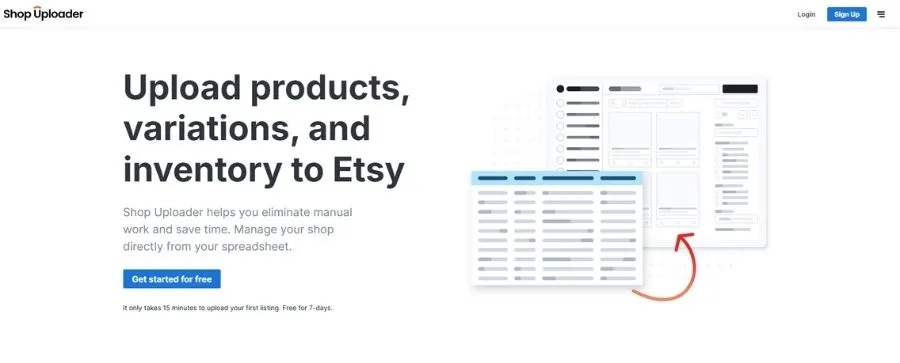
Shop Uploader is a web-based tool designed for Etsy sellers. It connects directly to Etsy through API and lets you create or update listings using a simple spreadsheet.
You just fill in product details using an Excel or CSV template, upload the file, and the tool publishes everything in bulk. This makes it especially helpful for stores with many variations, such as different sizes, colors, or designs.
Learn more: How to Get Etsy CSV File: Complete Tutorial with Screenshots 🔆
📌Key Features
- Upload and edit listings using Excel/CSV templates
- Bulk create listings with multiple variations
- Link photos directly to specific variations
- Make partial updates (price, stock, etc.) without editing everything
- Manage large inventories with thousands of SKUs
- Support for managing multiple Etsy shops (add-on)
📌Pros & Cons
| Pros | Cons |
|---|---|
| Saves hours when uploading many products | Takes time to learn the spreadsheet setup |
| Handles complex listings with many variations | The interface feels basic & not very modern |
| Built-in error checks help prevent mistakes | May be too advanced for very small shops |
| Strong Etsy API connection & stable performance | |
| Helpful documentation and responsive support |
📌Pricing
- Free trial: 7 days
- Starter: 50 listings — $5/month
- Hobby: 100 listings — $9/month
- Basic: 200 listings — $19/month
- Standard: 350 listings — $29/month
- Advanced: 500 listings — $39/month
2. Vela (For Multiple Platforms)
Vela originally started as a free editing app and has grown into a full listing management platform that now supports Etsy, Shopify, eBay, and more.
You can manage listings, make updates, and even copy products between stores using just one dashboard. This saves a lot of time, particularly for sellers with large catalogs.
🔔Key Features
- Bulk edit titles, tags, descriptions, and prices
- Create and duplicate listings in bulk
- Manage multiple Etsy shops in one place
- AI tool to generate titles and descriptions
- Schedule edits to go live later
🔔Pros & Cons
| Pros | Cons |
|---|---|
| Clean, modern, and easy-to-use interface | Pricing depends on the number of listings |
| Manage multiple shops from one dashboard | No CSV import/export support |
| AI tools help speed up content writing | |
| Free tier available to get started |
🔔Pricing
- Free trial: 7 days
- Paid plans: Start at about $19.95/shop/month for up to 10.000 listings (pricing increases as listing count grows)
3. DodgePrint (For Multiple Platforms)
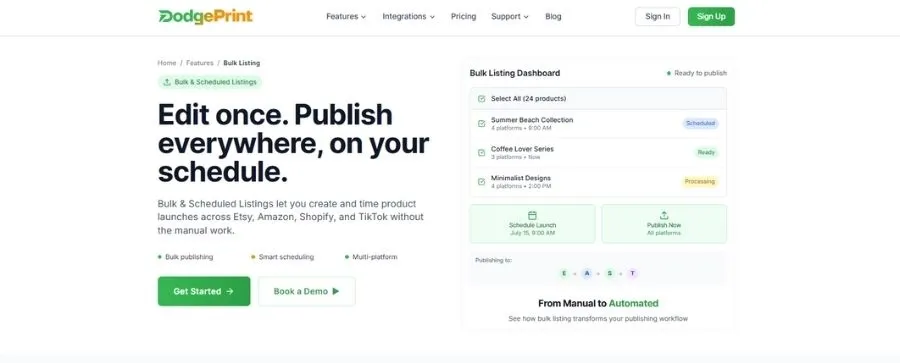
DodgePrint is an all-in-one platform built specifically for POD sellers across multiple channels. DodgePrint lets you organize designs, publish listings in bulk, track orders, and optimize performance in a single dashboard.
You can create products once and then bulk publish them to different sales channels. Want to save hours on product uploads and management? Try DodgePrint to streamline your POD workflow from day one.
🚩Key Features
- Smart Catalog: Store and organize all designs and mockups in one structured library
- Bulk & Scheduled Listings: Create products once and publish to multiple platforms on your schedule
- Order Management: Manage orders from different marketplaces, such as Etsy, Amazon, TikTok Shop, and Shopify, in one dashboard with real-time updates
- Analytics Dashboard: Track sales, profits, and POD trends to make smarter decisions
- AI Optimization: Improve pricing, content, and strategy with built-in AI support
🚩Pros & Cons
| Pros | Cons |
|---|---|
| Publish to multiple platforms from one place | Learning all the features can take a little time |
| Strong automation for listing sync & order management | |
| Organized design management with Smart Catalog | |
| Helpful analytics to track growth across channels | |
| AI tools support optimization & scaling |
🚩Pricing
- Free plan: Forever (100 active listings/shop)
- Starter plan: $8/shop/month (1.000 active listings/shop)
- Professional plan: $15/shop/month (3.000 active listings/shop)
- Enterprise plan: Custom pricing
➥ Get started with DodgePrint today!
4. Nembol (For Multiple Platforms)
Nembol supports Etsy along with platforms like eBay, Amazon, and Shopify. This makes it a solid option for POD sellers expanding beyond a single store.
With Nembol, you can upload products in bulk using CSV files or its built-in interface. Then, you can sync inventory in real time across different channels.
🔶Key Features
- Create bulk listings via CSV or direct dashboard input
- Cross-list products to Etsy, eBay, Amazon, Shopify, and more
- Real-time inventory syncing across platforms
- Support for unlimited variations on Etsy
- AI generator for titles and descriptions (Pro plans and above)
🔶Pros & Cons
| Pros | Cons |
|---|---|
| Strong multichannel listing & syncing capabilities | Can feel expensive for Etsy-only sellers |
| Real-time inventory updates across platforms | Requires time to set up your catalog first |
| Supports multiple Etsy shops as you scale | |
| Smooth CSV import/export for bulk uploads |
🔶Pricing
- Free trial: 14 days
- Basic: $39/month for 500 products (unlimited listings)
- Pro: $49/month for 2,000 products (unlimited listings)
- Enterprise: $79/month for 5,000 products (unlimited listings)
- Enterprise+: $129/month for 15,000 products (+5,000 extra product slots, unlimited listings)
5. MyDesigns (For Multiple Platforms)
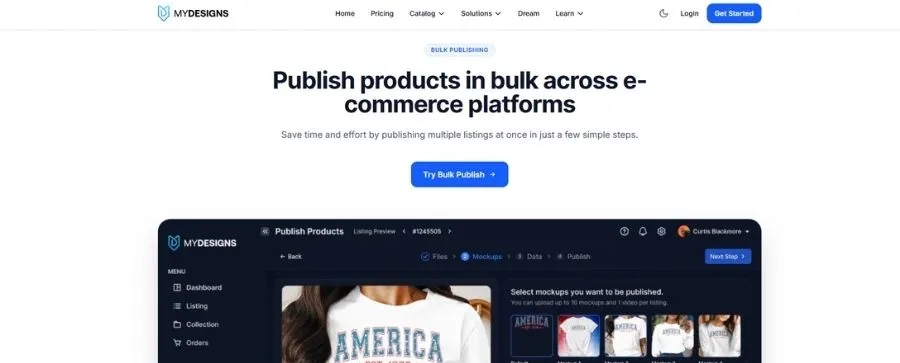
MyDesigns combines design storage, mockup generation, and bulk listing tools. It's beneficial for Etsy sellers handling large product catalogs.
One of its biggest strengths is its ability to create designs, generate mockups, and publish listings in bulk within a single workflow. This helps save time on repetitive tasks, particularly for sellers offering digital downloads or multiple product variations.
☘️Key Features
- Cloud-based storage for designs and product files
- Bulk publish listings to Etsy and other platforms
- Built-in mockup generator with ready-to-use templates
- AI tools for titles and descriptions
- Automatically attach digital files to listings
☘️Pros & Cons
| Pros | Cons |
|---|---|
| Complete workflow in one place (design → mockups → listings) | Steeper learning curve for beginners |
| Great for digital downloads and POD sellers | Can feel overwhelming due to many features |
| Saves time on bulk creation & publishing | Higher cost at Pro tiers |
| Cloud-based collaboration for teams | |
| Free plan available to start |
☘️Pricing
- Starter plan: $18.75/month (24 bulk processes + 40 GB storage)
- Pro plan: $38/month (48 bulk processes + 100 GB storage)
- Pro Plus plan: $74.99/month (120 bulk processes + 1000 GB storage)
6. Sellbrite (For Multiple Platforms)
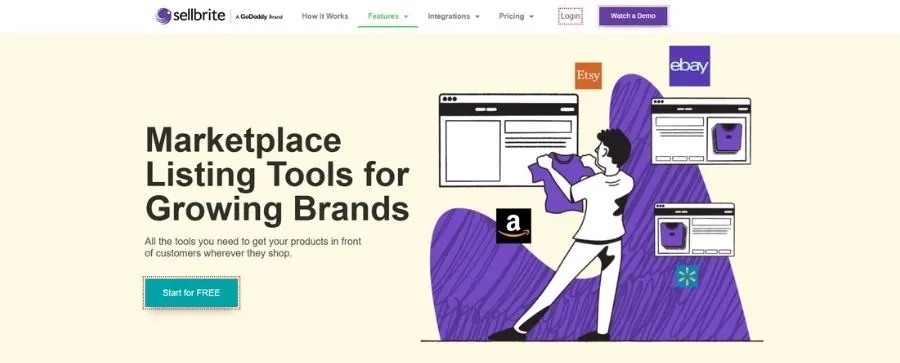
Sellbrite is a multi-channel listing and inventory management tool, now part of GoDaddy. It supports Etsy along with other marketplaces, helping you list products in bulk, sync inventory, and manage orders from one dashboard.
🟨Key Features
- Connect Etsy and other marketplaces in one central dashboard
- Bulk list products using saved templates
- Support for variations and shop sections
- Sync inventory across all connected channels
- Centralized order management
🟨Pros & Cons
| Pros | Cons |
|---|---|
| Fast listing workflow once everything is set up | Too complex if you only sell on Etsy |
| Listing templates save time on repeated uploads | Pricing increases as order volume grows |
| Supports unlimited Etsy accounts | |
| Reliable support backed by GoDaddy |
🟨Pricing
- Free trial: 14 days with full access
- A Forever free plan: $0 for up to 30 orders/month
| Paid Plan | Sellbrite | For Shopify |
|---|---|---|
| Pro 100 plan (for 100 orders/month) | $29/month | $19/month |
| Pro 500 plan (for 500 orders/month) | $79/month | $59/month |
| Pro 2K plan (for 2,000 orders/month) | $179/month | $99/month |
FAQs
Is There Any Completely Free Bulk Listing Tool for Print on Demand?
Yes — some platforms do offer free plans, and one of the most beginner-friendly options is the Forever Free plan from DodgePrint.
This plan is designed for new POD sellers who want to start listing products in bulk without paying upfront. You can connect your stores, publish listings, and manage orders while testing the platform at no cost.
What you get with the Free Forever plan:
- Connect up to 3 shops (1 per platform, such as Etsy, Amazon, or TikTok Shop)
- Manage up to 50 orders per shop
- Keep 100 active listings per shop
- Store up to 300 active products
- Access key features from Etsy, Amazon, and TikTok Shop integrations
- Amazon Ads campaign management support
- Fulfillment integrations included
How Can I Prepare Data For Bulk Listings?
Most bulk listing tools use spreadsheets (like CSV or Excel), so the key is to organize your product information clearly before uploading.
Here’s what you should prepare first:
- Product titles and descriptions
- Prices and variations (size, color, style, etc.)
- Tags, keywords, and categories
- Mockup image links or file names
- SKU and inventory details
Tools like DodgePrint also help by organizing designs and product data in one place, making bulk publishing easier and more structured.
How to Choose The Right Bulk Listing Tools for Your POD Business?
The best bulk listing tool depends on how and where you sell. Instead of picking the most popular one, choose based on your current needs and plans.
Here are a few quick things to consider:
➤ Where you sell: If you sell on multiple platforms (Etsy, Amazon, TikTok Shop), choose a tool that supports multichannel publishing.
➤ Store size: Small shops may only need simple bulk uploads, while larger stores benefit from automation, syncing, and analytics.
➤ Workflow needs: Some tools focus on editing listings, while others help manage designs, orders, and fulfillment in one place.
➤ Budget: If you're just starting, a free plan is a great way to test the workflow before upgrading.
For example, if you want an all-in-one solution to create, publish, and manage products across platforms, a platform like DodgePrint can be a strong choice.
Bottom Line
Choosing the right bulk listing tools for print on demand can make a huge difference in how fast you grow your business. Instead of spending hours uploading products one by one, these tools help you publish faster and scale across multiple platforms more smoothly. Start with the tool that fits your needs today!