After a period of operating and developing its website platform, DodgePrint officially launches the Mobile App version, marking an important milestone in its journey from Local Champion to Global Player, expanding the ecosystem and enhancing the user experience on mobile devices.
The Mobile App version is developed to help multichannel Print-on-Demand sellers manage their stores more flexibly and conveniently, adapting to the increasingly popular habit of using mobile devices.
DodgePrint Mobile App - Manage Your POD Business Anytime, Anywhere
The DodgePrint Mobile App does not replace the website version. Instead, it complements the overall experience by allowing sellers to manage their POD business anytime and anywhere through an optimized interface and simple operations on mobile devices.
The application focuses on three main functions:
- Tracking analytics and business performance
- Managing multiple stores across marketplaces
- Monitoring and checking orders
With this, sellers can quickly understand their business performance without needing to access a computer.
Key Features of the DodgePrint Mobile App
Real-Time Business Dashboard
Similar to the website version but in a more compact format, the DodgePrint Mobile App dashboard provides key business metrics in a single overview screen.
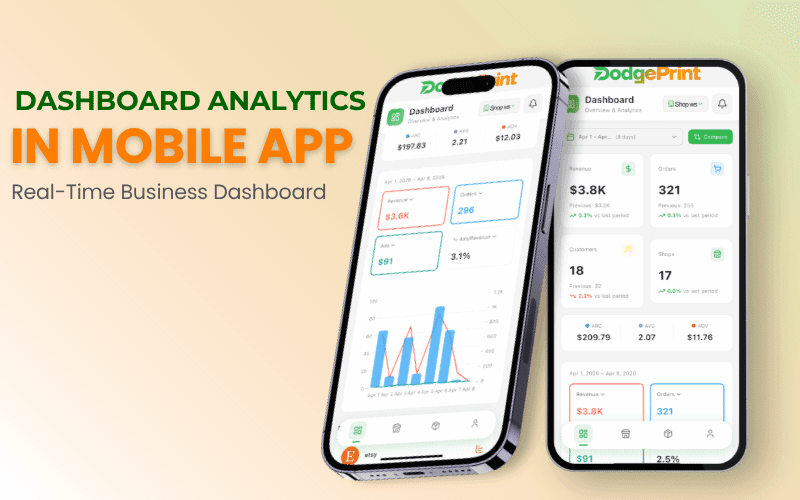
Sellers can quickly track data across all connected stores such as:
- Revenue
- Orders
- Customers
- Shops
Additionally, the system provides analytical metrics such as AOV, ARC, and AVG, helping sellers better understand their sales performance.
The dashboard also displays visual charts that allow users to monitor revenue and order trends over time. This helps sellers quickly identify any changes in business performance.
Manage Multiple Shops Across Marketplaces
The DodgePrint Mobile App allows users to manage multiple stores within a single interface.
Sellers can:
- View the list of all connected stores
- Access the individual dashboard of each shop
- Track the performance of each marketplace
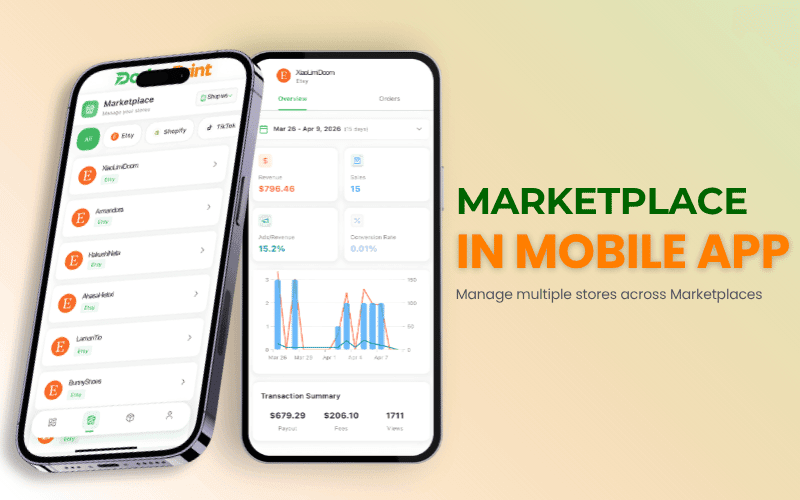
This makes it easier to identify which sales channels are performing most effectively.
Track and Manage Orders on Mobile
The application allows sellers to view order lists from multiple stores. Each order displays essential information for monitoring and verification, including:
- Products in the order
- Customer information
- Order status
- Selling marketplace
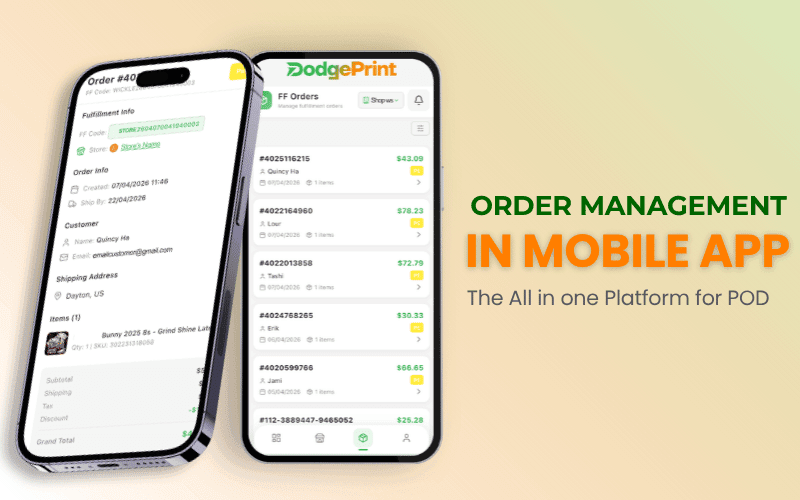
With clear data presentation, sellers can quickly check order status using just their mobile phone.
How to Download the DodgePrint Mobile App
The DodgePrint Mobile App is now available on Google Play and the Apple App Store. You can download the application via the following links:
Android version:https://vnshort.com/LG0g
iOS version: https://vnshort.com/oVUv
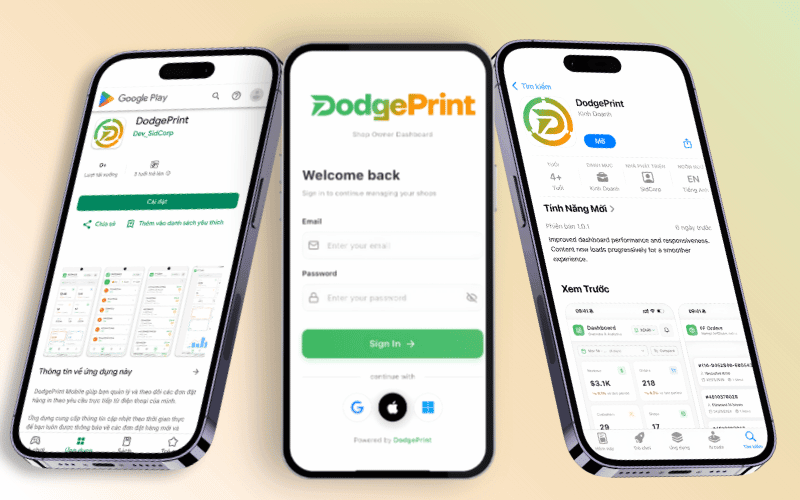
After installation, users can log in using their DodgePrint account to start monitoring and managing their store system directly from their mobile devices.
Final Thoughts
For POD sellers operating businesses across multiple marketplaces, DodgePrint Mobile App can become a useful tool to maintain control over business operations anytime, anywhere.
FAQ
What is the DodgePrint Mobile App?
It is a mobile application that helps sellers manage their POD business operations, including tracking revenue, managing stores, and monitoring orders.
What features can I use on the DodgePrint Mobile App?
Users can:
- Track analytics
- Manage shops
- Check orders
All of these actions can be performed directly on a mobile device.
Which operating systems does the DodgePrint Mobile App support?
The application is currently available on the two most popular mobile operating systems:
- Apple App Store for iOS
- Google Play Store for Android